Auto parts suppliers on PartsTech
TB POS · inventory · Last updated September 18, 2026 · Version 1
This process works in apps: TB POS
This article will teach you which auto parts suppliers shops commonly connect through PartsTech, including Worldpac, AutoZone, O’Reilly, and NAPA.
PartsTech can search national and regional auto parts warehouses from one work order. The suppliers a shop sees depend on its PartsTech account and store location. Connection time is typically under a minute after you choose the location in PartsTech. Names below are the supplier brands — not street addresses.
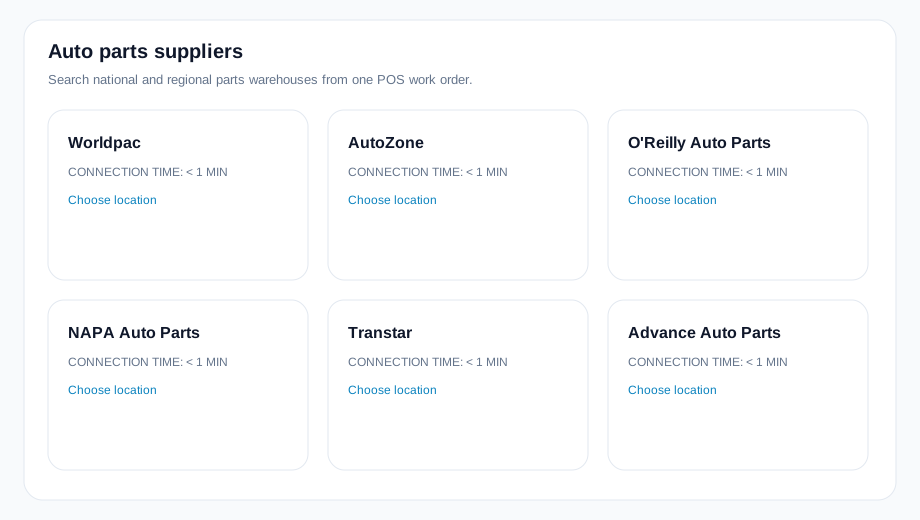
Auto parts suppliers
- Worldpac
- AutoZone
- O'Reilly Auto Parts
- NAPA Auto Parts
- Transtar
- 1-800 Radiator & AC
- SSF Imported Auto Parts
- Advance Auto Parts
- Factory Motor Parts
- Parts Authority / IMC
- One Stop Parts Source
- Fast Undercar
- H & H Auto Parts Wholesale
- Team Allied Distribution
- Certified Undercar Parts
- Undercar Plus
- National Auto Parts Warehouse (NPW)
- Alliant Power
- Padco Auto Parts
- Automotive Parts Wholesale Inc.
Steps
- In PartsTech, open suppliers and Choose location for each warehouse you buy from (Worldpac, AutoZone, O’Reilly Auto Parts, NAPA Auto Parts, and the rest).
- New Supplier rows that only show one store can be added with Add for that address.
- In Tire Base, open Settings → Organization Settings → Integrations → PartsTech, pick the location, and click Sync Vendors.
- Map each PartsTech supplier to a Books vendor (or Create vendor) so Order on the work order can post a purchase order.
Conclusion & best practices
Your list will not match another shop’s list exactly — PartsTech only shows warehouses that service that account. After mapping, shop from the POS PartsTech card so parts and cost come back on the ticket. Related: How to map PartsTech suppliers and choose how lines are sold? and the public directory Auto parts suppliers.